Remove image backgrounds with AI precision

Remove the background from an image, and prepare the subject for any layout—no complex settings to figure out

Isolate your subject from distracting surroundings and unwanted scenery
Strip away backgrounds from portraits, product shots, and graphics in seconds
Prepare visuals for product and social content

24/7 multilingual phone, chat
and email support | +1-844-898-1076

jpeg
Upload Your Images
Drop Images Here
or

Everything you can do with ImageSimpli

Do more with AI-powered image generation and editing

Generate, restore, and edit photos using AI

  • Remove the background from an image with professional detail
  • Perfect for creating flyers, YouTube thumbnails, stickers, and collages
  • Cleanly trims around wispy hair, pet fur, and intricate details
  • Create flexible cutouts for new creative layouts
A photo subject separated from its background

Frequently asked questions

Simple answers to your questions

How do I remove the background from an image?
Upload an image, let the tool identify the main subject, and use the resulting cutout in a new composition.
Can I remove the background from a product image?
Yes, removing a background can help create cleaner product visuals for catalogs, marketplaces, and campaigns.
Can I remove a background from a portrait?
Yes, portraits can often be isolated so the subject can be placed against a different background or color.
What can I do after removing the background?
You can place the subject into a new scene, layout, color field, presentation, or promotional design.
Making images simple
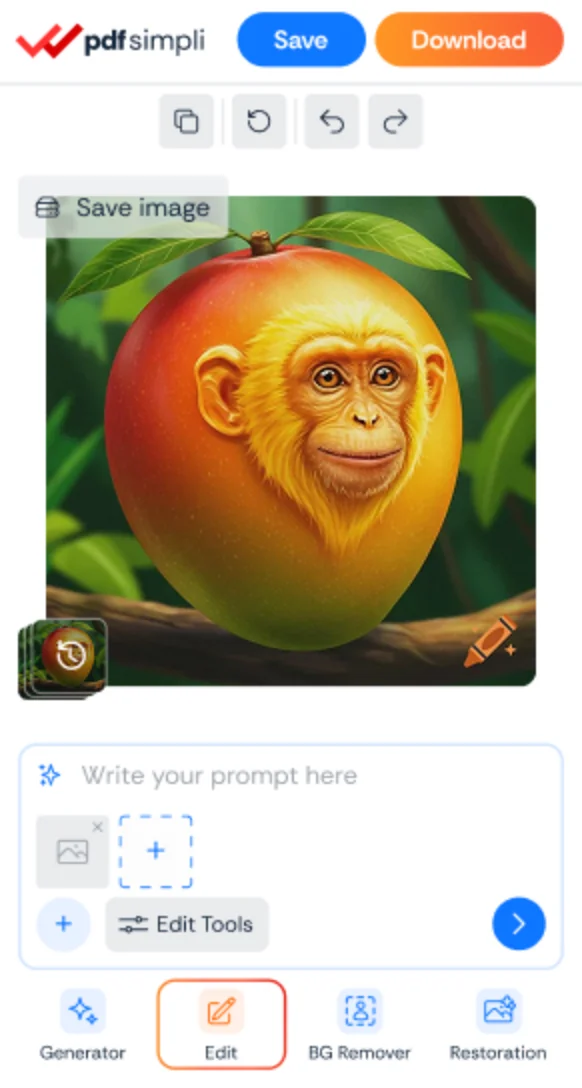
The ImageSimpli app showing a photo with its background removed
Image simpli tools